Dashboard V1 & New Games
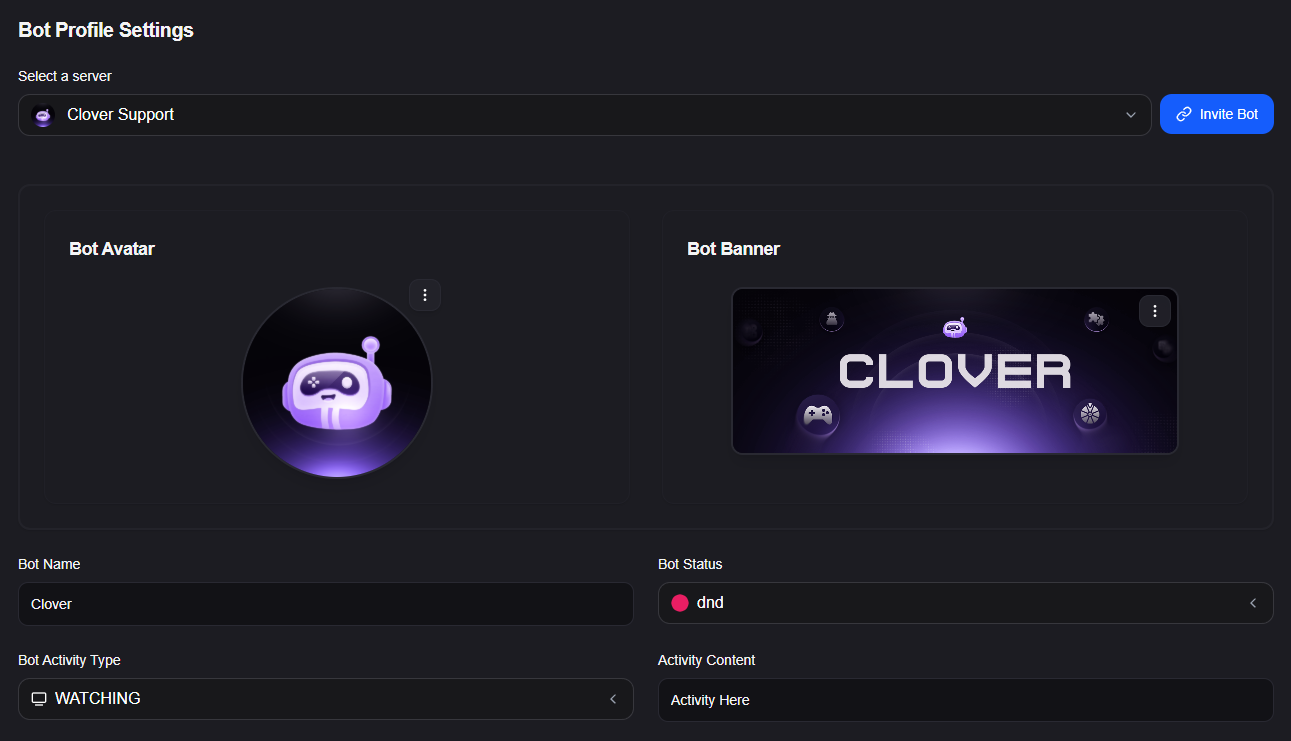
This is shaping up to be the most powerful and ambitious update Clover has ever received. We have completely overhauled how you manage the bot and introduced a massive wave of new multiplayer experiences.
⚙️ Complete Dashboard Control
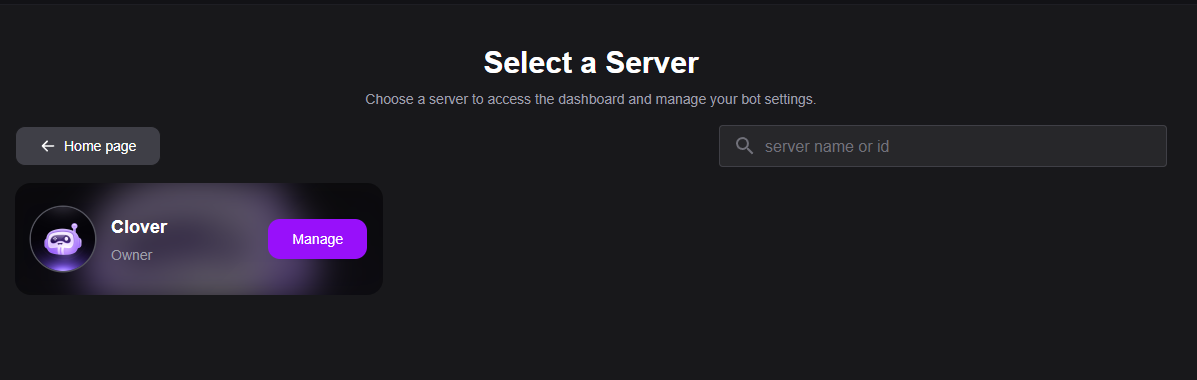
Gone are the days of relying solely on complicated bot commands. You can now manage Clover entirely from our visually stunning web interface.
- Full multi-languages Support: Seamlessly toggle the bot's primary language between Arabic (
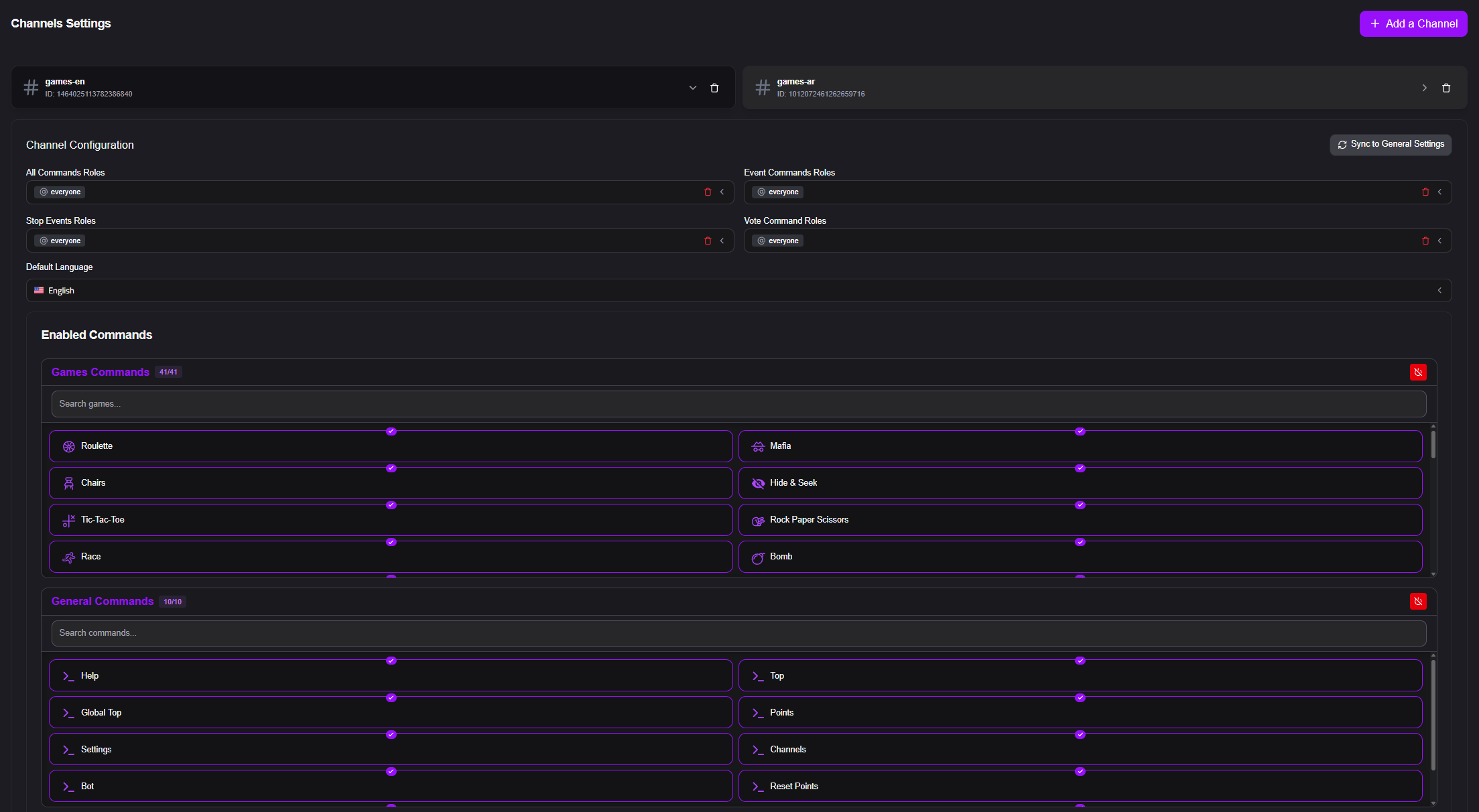
ar) and English (en). - Role Management: Easily define your server's General Roles, Event Organizers, Stop Roles, and Voting Roles through a clean interface.
- Channel Customization: Apply specific settings to individual channels without affecting the rest of your server.
- Premium Customization: Premium servers can now instantly change embed colors and toggle the "Identity Button" visibility on or off.
🎮 The Multiplayer Expansion
We have drastically expanded our multiplayer catalog. Managing state and player roles across multiple rounds has been fully optimized to ensure zero lag during large server events.
- Spy: An intense game of deception! Players must ask smart questions to discover who the Spy is, while the Spy desperately tries to figure out the secret location/topic without blowing their cover.
- Higher & Lower: A fast-paced guessing game based on real browser search volumes.
- Words: A frantic anagram challenge. Clover provides three letters, and players must discover all possible word combinations.
- Cards: A memory and matching game where players must eliminate paired cards to win.
Currently free to play: Roulette, Mafia, Chairs, Hide & Seek, XO, RPS, and Race.
🎨 Live Previews & Deep Customization
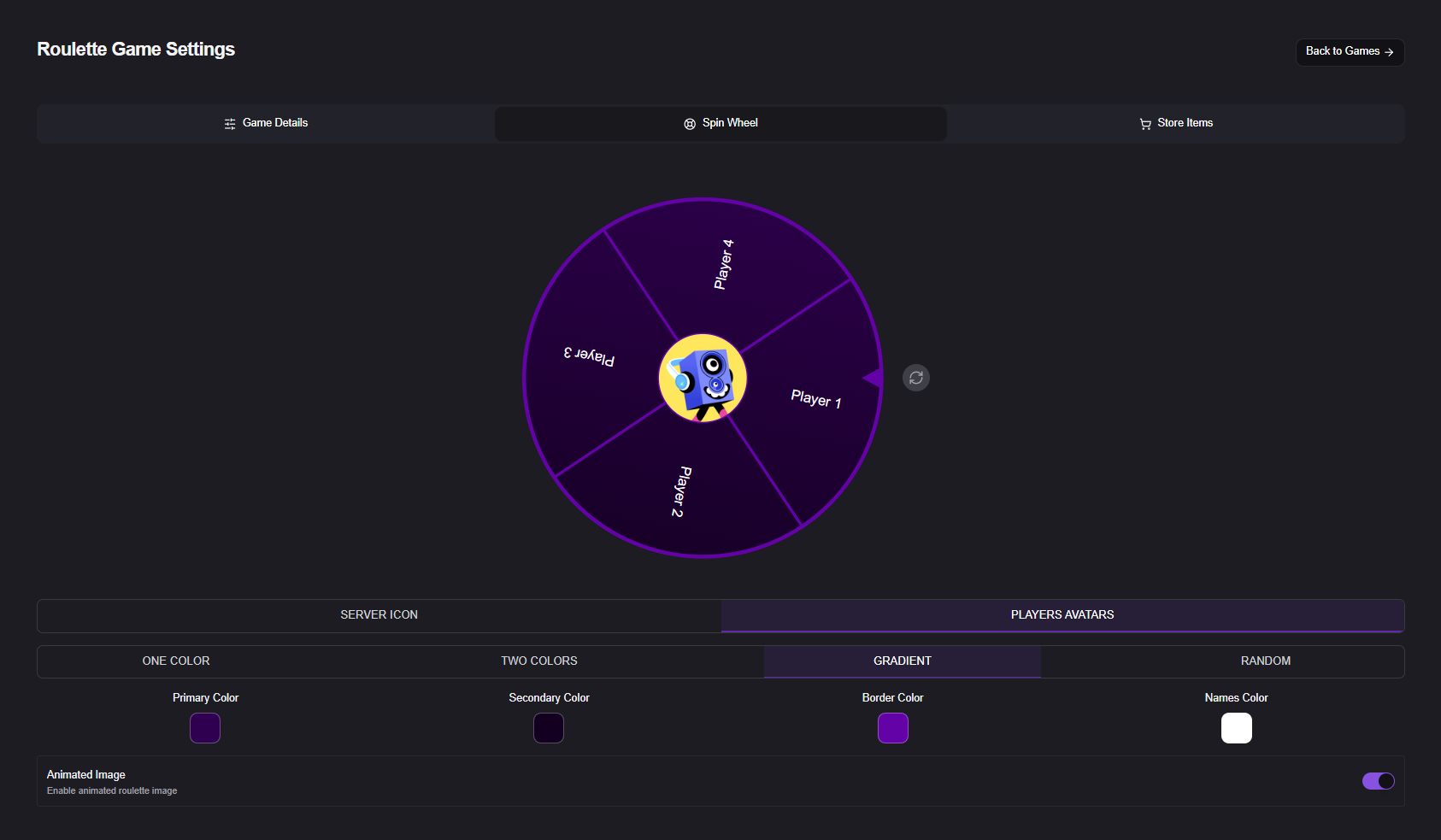
Take absolute control over how every single multiplayer game functions in your server. We have built a powerful, universal settings suite that applies to all multiplayer events:
- Live Embed Previews & Start Messages: See exactly what your game announcement will look like in Discord before you hit save! You can switch between Embed or standard text types, select specific roles to be mentioned automatically, and upload custom images to feature in the announcement.
- Gameplay Configuration: Tailor the pace of your events. Use intuitive dashboard sliders to quickly adjust the Start Time countdown and set strict Max Player limits for any game.
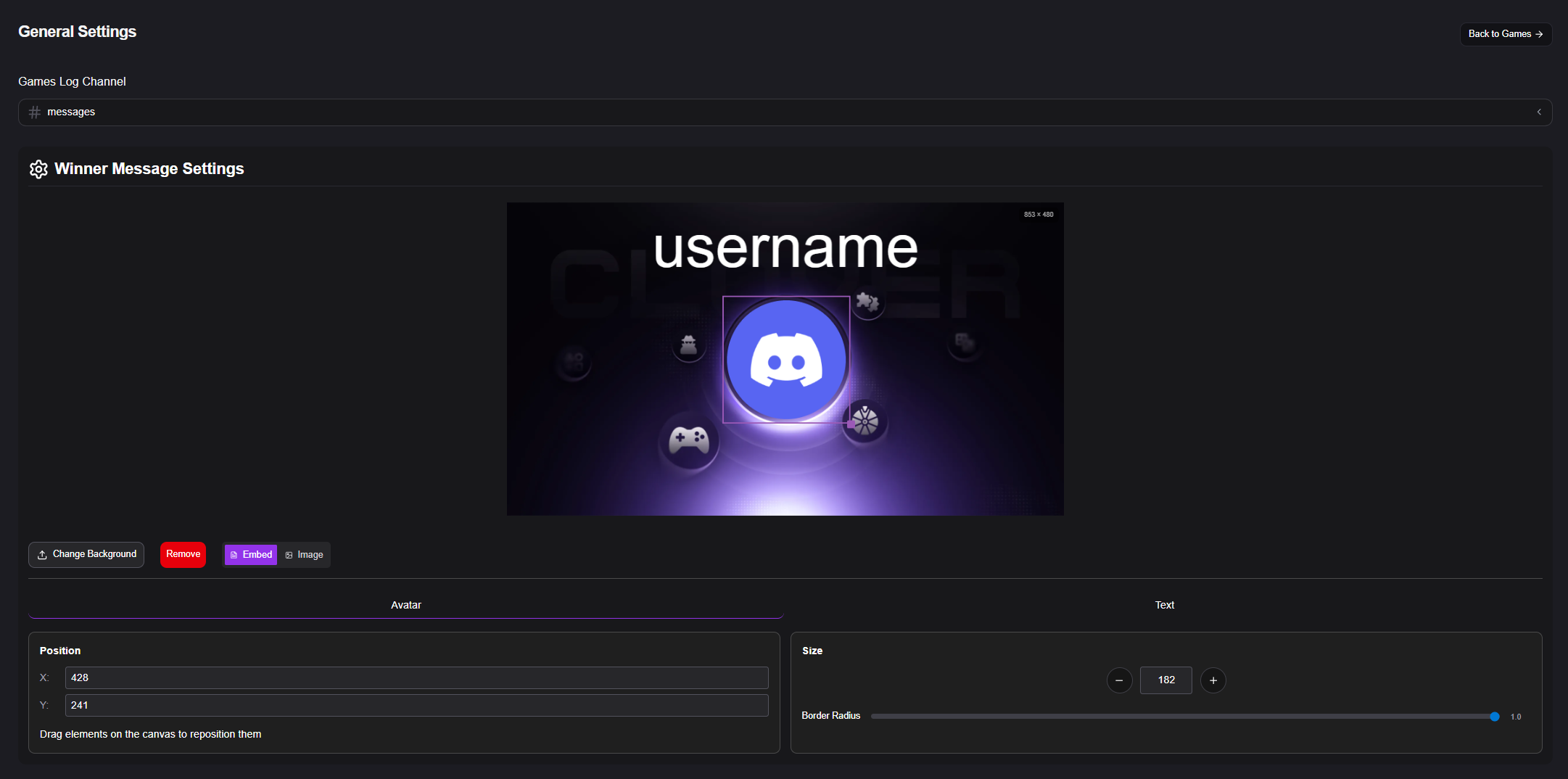
- Interactive Winner Celebrations: Celebrate victories in style! Our brand-new visual canvas lets you design custom Winner Messages. Upload your own background, and use the drag-and-drop interface to pinpoint the winner's avatar position (X/Y coordinates), size, and border radius.
- Game Logs: Keep your server completely organized by routing all game starts, finishes, and results into a dedicated logging channel.